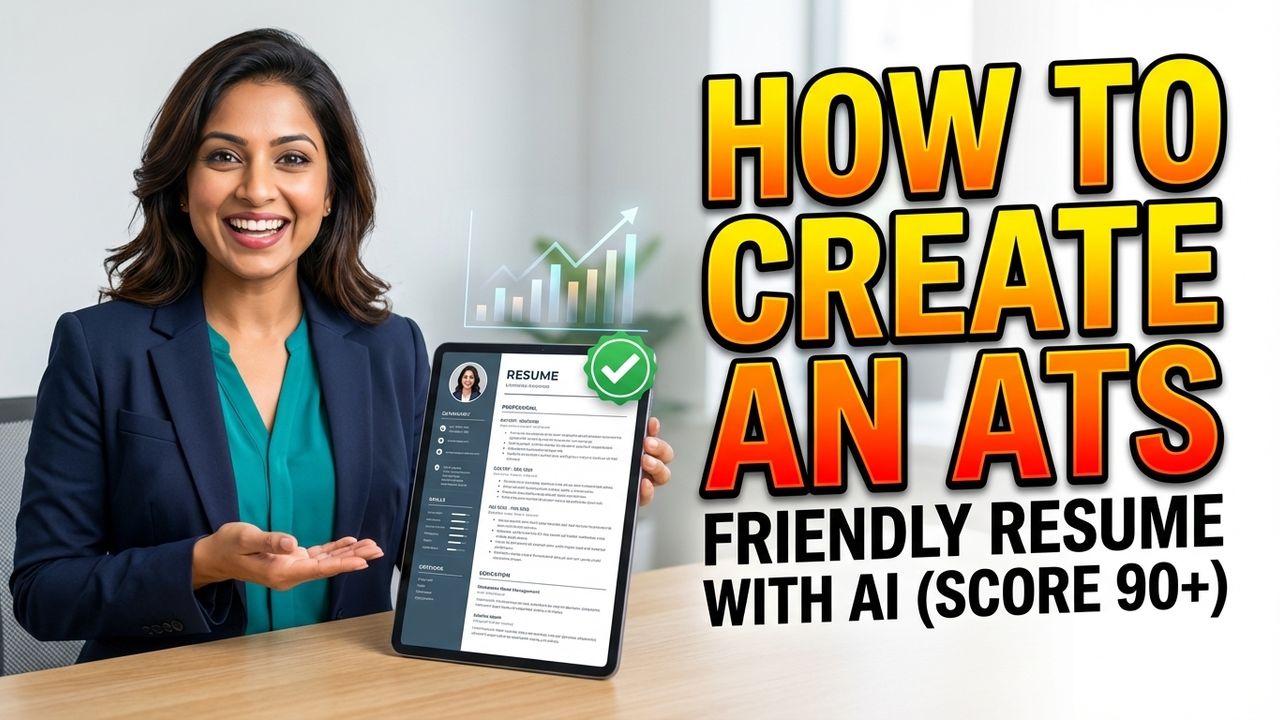
Free ATS Resume Builder for Freshers and Experienced
Premium AI ATS Friendly Resume Builder – “Free for ICGHR Students”

Have you ever spent hours perfecting your resume, sent it off to dozens of job openings, and heard nothing back? It feels like your application is disappearing into a digital black hole. The truth is, in today’s competitive job market, your resume likely isn’t even being seen by a human being—at least not initially. Most modern companies now use Applicant Tracking Systems (ATS) to filter through the thousands of applications they receive.
In a recent tutorial, Rahul from IHRA explained a revolutionary way to beat these systems. The “one-size-fits-all” resume is a relic of the past. To get noticed today, you need a tailor-made, ATS-friendly resume for every single job you apply for. In this guide, we will break down the exact process of using AI-driven software to ensure your resume ranks high and lands on a recruiter’s desk.
Why the “Standard” Resume No Longer Works
Previously, job seekers could send the same generic resume to every company. Today, scenarios have changed. Companies have integrated ATS software to handle the screening and shortlisting of candidates automatically. When you submit an application, the software scans your document for specific keywords, skills, and experiences that match the company’s requirements.
If your resume doesn’t align closely with the job description, your rating within the system will be low. The problem with a low rating is simple: resumes with higher ratings are automatically shortlisted, while those with lower ratings are automatically rejected. If you aren’t optimizing your resume for the specific role, you are essentially disqualifying yourself before the hiring manager even knows you exist.
Step 1: Building Your Core Profile
The first step in creating a high-ranking resume is feeding the right data into an AI-powered builder. Before you can tailor a resume for a specific job, you need a comprehensive master profile. According to the IHRA methodology, this involves inputting several key categories of information:
Personal Information: Your basic contact details and professional links.
Work Experience: A detailed history of your previous roles and responsibilities.
Education Details: Your academic background and relevant coursework.
Skills: All technical and soft skills related to your professional profile.
Employment Information: Specifics regarding your past employers and tenures.
Awards and Certifications: Any industry-recognized certificates or accolades you have received.
By housing all this information in one central software, you create a “data bank” that the AI can pull from to build customized documents instantly.
Step 2: Analyzing the Job Description (JD)
Once your profile is set up, the real work begins. You shouldn’t just click “apply” on a site like Monster or LinkedIn. Instead, you need to perform a deep dive into the Job Description (JD). The JD is essentially a cheat sheet provided by the company; it tells you exactly what keywords the ATS is looking for.
To do this effectively:
Navigate to a job portal and find a role that interests you.
Identify the “Requirement” or “What We Are Seeking” section.
Copy this text directly. This includes the specific skills, years of experience, and software proficiencies the company demands.
By feeding this specific JD into the AI software, you are telling the system exactly what the “goal” is for your new resume.
Step 3: Generating the AI-Tailored Resume
With the Job Description copied, you can use the “Build from Profile” feature in the software. The AI analyzes the requirements of the company and cross-references them with your personal profile. It then drafts a new resume that highlights the specific skills mentioned in the JD.
During this process, the software will often prompt you to include certain skills that were found in the job description but might be missing or understated in your current draft. By selecting these skills and confirming them, the AI integrates them naturally into your professional summary and experience sections, ensuring the resume is ATS-friendly and highly relevant.
Customizing Look and Feel
While the content is the most important factor for the ATS, the visual layout still matters for the human recruiter who will eventually read it. Most modern AI platforms allow you to change templates instantly. Whether you prefer a layout with a photo, a minimalist design, or a traditional corporate look, you can switch styles without losing the optimized content.
Step 4: Checking and Improving Your ATS Score
One of the most powerful features of this technology is the “Check Score” function. After the AI creates the resume, you can run a simulation to see how it would rank in a real Applicant Tracking System. This gives you a numerical rating based on how well your document matches the job description.
The Golden Rule: Aim for a score of 85 or higher. Anything above 85 is considered a strong match that is likely to clear the automated screening phase.
How to Boost Your Rating
If your score is below 85, the software provides a list of “issues” or gaps. You can improve your rating by:
Job Description Tailoring: Identifying specific missing keywords and adding them.
AI Content Generation: Using the “Add with AI” button to rewrite sections of your resume to better reflect the language used in the job posting.
Grammar and Spell Check: Correcting any linguistic errors that might negatively impact your professional image.
As shown in the IHRA demonstration, simply adding a missing skill using AI can jump your score from an 87 to a 94 in seconds. This high rating ensures your resume ranks at the very top of the recruiter’s list.
Step 5: Creating a Tailor-Made Cover Letter
A high-quality application doesn’t stop at the resume. A tailor-made cover letter provides a narrative that connects your skills to the company’s needs. Instead of using a generic template where you only change the company name, you can use AI to draft a letter based on the same Job Description you used for the resume.
The software processes what the company is seeking and drafts a letter that speaks directly to those needs. You can even instruct the software to add specific personal touches or emphasize certain achievements. Once generated, you can download the cover letter and resume as a complete, optimized application package.
Key Takeaways for Job Seekers
Stop sending generic resumes: Every job application requires a unique version of your resume tailored to the specific JD.
Leverage AI tools: Use software to analyze keywords and automate the “matching” process to save time and increase accuracy.
Monitor your score: Never submit a resume without knowing its ATS score. Aim for 85+ to ensure you pass the initial screening.
Sync your cover letter: Ensure your cover letter and resume use consistent language and address the same core requirements of the role.
Conclusion
The job market has become a technological arms race. As companies use more sophisticated software to filter out candidates, job seekers must use equally sophisticated tools to get back in the game. By moving away from static resumes and embracing AI-driven, tailor-made applications, you significantly increase your chances of getting an interview.
For students of the ICGHR program at IHRA, this powerful AI software is provided free of cost to help bridge the gap between education and employment. Whether you are a student or a seasoned professional, the message is clear: optimize, tailor, and score high to land your dream job.
Website: IHRA Official Website Watch the full video: Free ATS Resume Builder for Freshers and Experienced Video